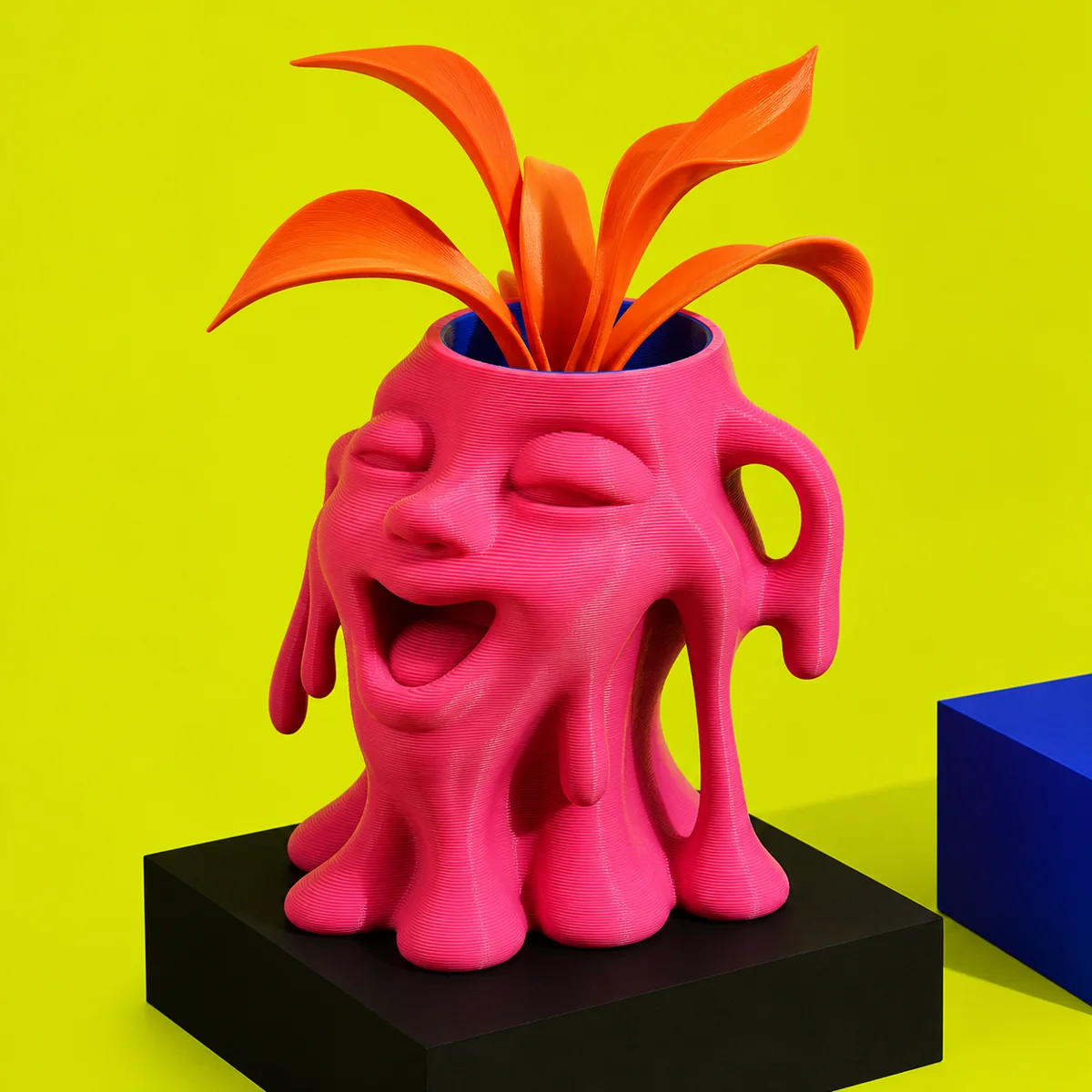
Meltface Planter
A happy face caught halfway between a pot and a puddle.
Quote after plant and drainage review
Original objects / custom directions
Strange objects. Useful oddities. Your sketch, rebuilt layer by loud layer.
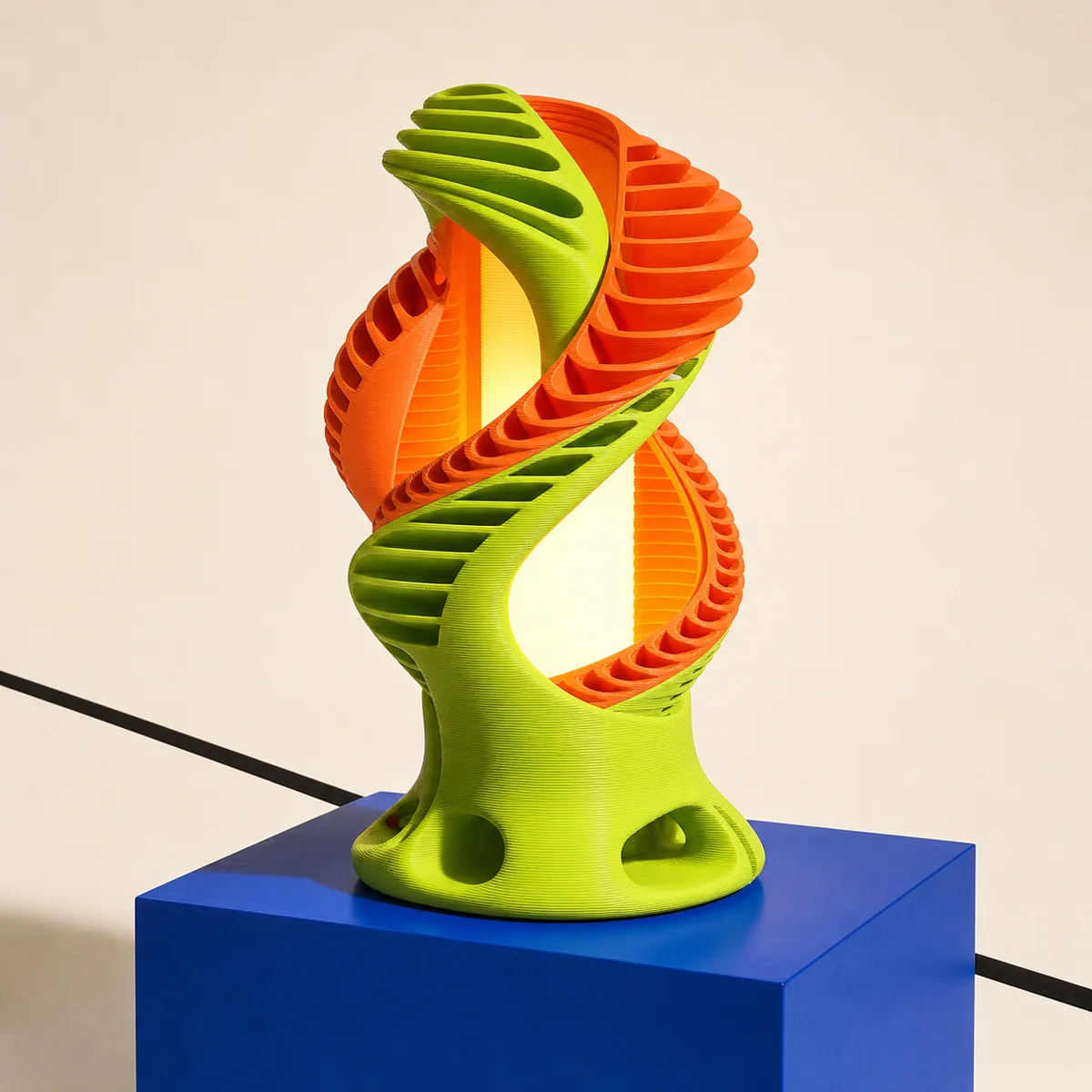
Object wall / first six directions
Six original object studies set the direction. Final dimensions, materials, feasibility, and quote are shaped around the intended use.
A happy face caught halfway between a pot and a puddle.
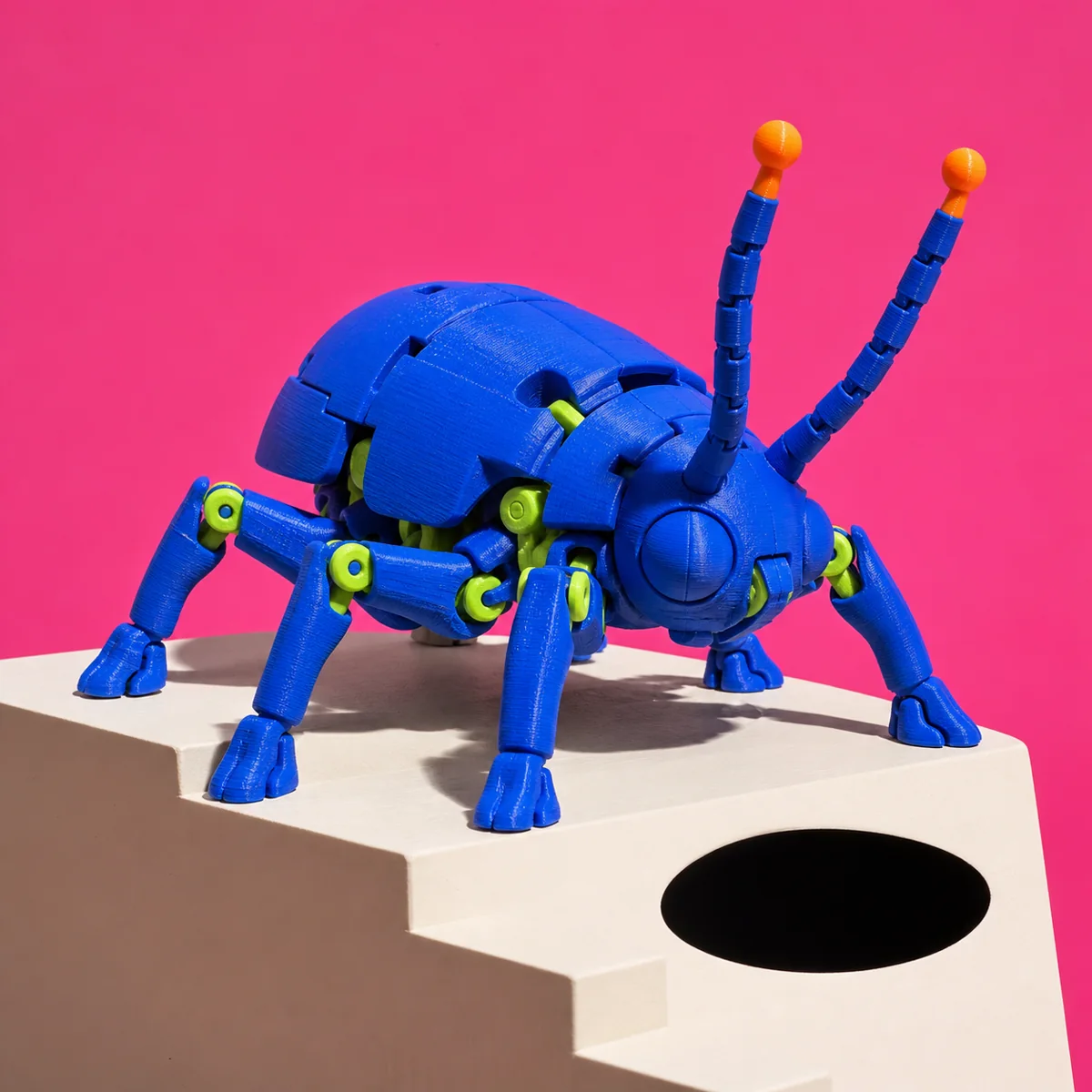
Six legs, too much confidence, and joints made for fidgeting.
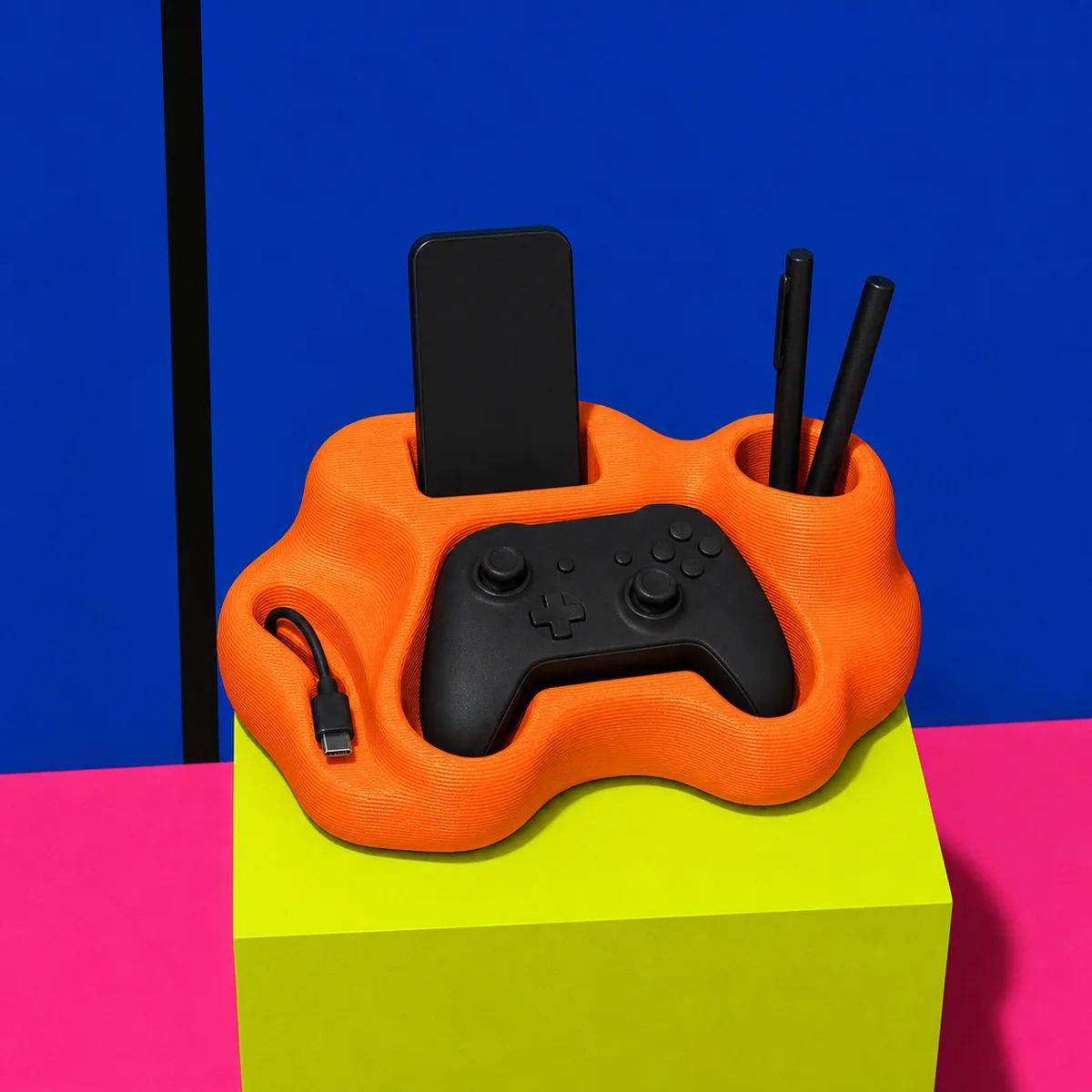
One loud lump that tells every loose desk object where to live.
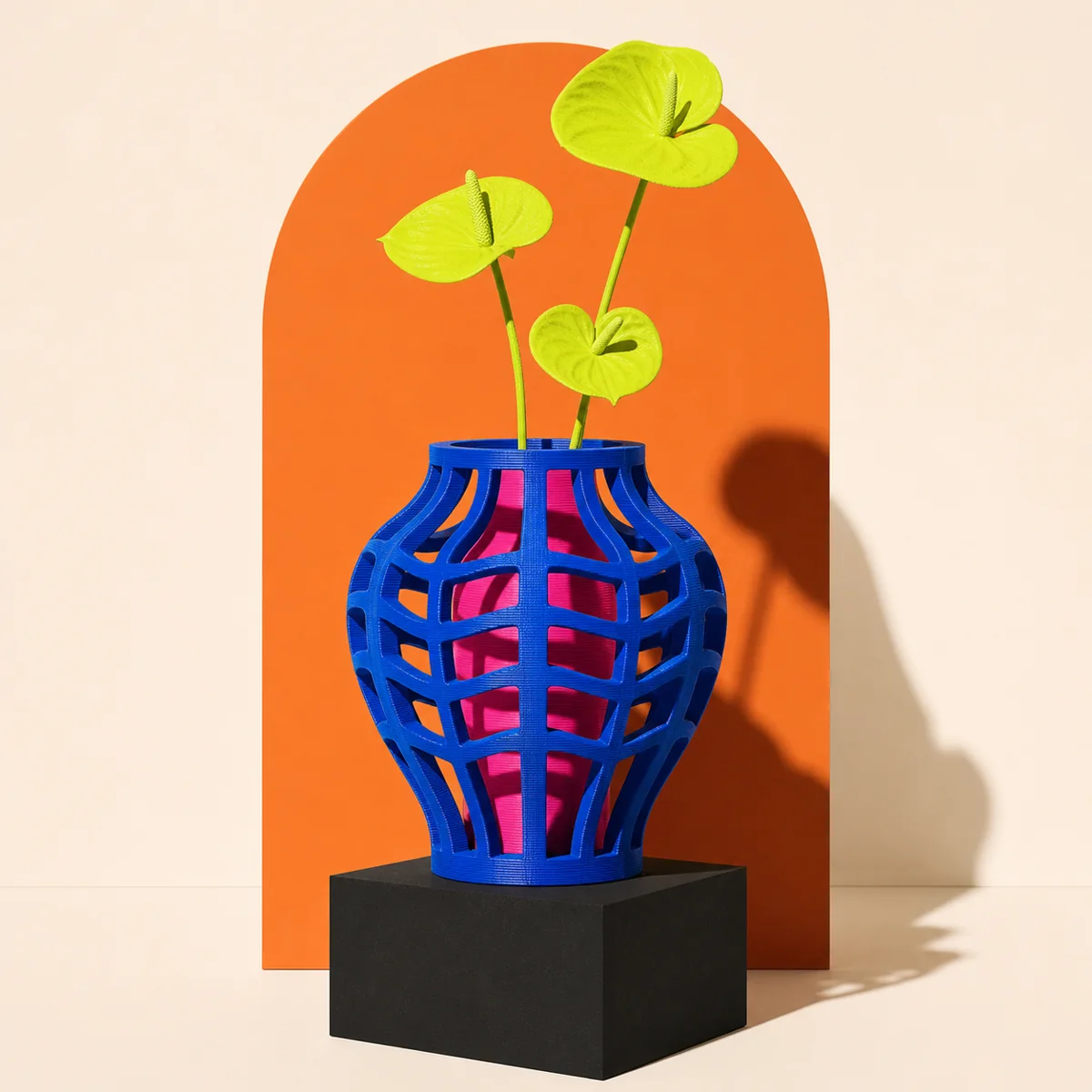
Custom lab / no polished model required
Start with a sketch, model, broken part, device dimensions, or one very specific problem. The browser-local brief helps separate the object’s job from its surface attitude.
Design-to-production logic
A responsible custom workflow makes the uncertainty visible before a full print begins, so the risky details are discussed while they are still cheap to change.
Start with a file, sketch, reference, broken part, or unreasonably specific idea. The goal is a brief that explains what the object must do.
Use, size, surface, movement, heat, flexibility, and colour all change the right material and construction direction.
A joint, clip, fit, texture, or thin wall should be proved at small scale before committing to the full object.
The final production plan should name orientation, supports, finishing, assembly, tolerances, care, and acceptance checks.
Straight answer
Yes. A sketch can start a useful brief. Before production, feasibility, dimensions, material, tolerances, rights, cost, and timing still need a clear decision.
Prepare what you already knowDesign point of view
Good custom work keeps the character loud and the decisions legible: what carries load, what needs clearance, what gets tested, and what can stay gloriously odd.
See the studio logic